Published on 13 October 2026
Business IT support is a package of services that keeps a company’s technology working. It covers a helpdesk your team can call, round-the-clock system monitoring, cyber security, backup and disaster recovery, cloud and network management, and cover for hardware and servers. Most UK providers bundle it into one fixed monthly price, charged per user.
Business IT support is the service an external provider delivers to keep your systems running, covering both the fix when something breaks and the maintenance that stops it breaking in the first place. In practice, that is the difference between waiting for a server to fall over and having someone spot the failing disk three weeks earlier.
Most UK SMEs now buy it rather than build it. Nearly half of businesses (48%) use an external cyber security provider, rising to 64% of small businesses and 70% of medium-sized ones, according to the government’s Cyber Security Breaches Survey 2025/2026. The appeal is straightforward. One monthly fee buys a whole team, including the security and cloud specialists a 40-person company could never justify hiring on its own.
If you are weighing that against an internal hire, our guide to the benefits of outsourcing IT for SMEs breaks down the cost and cover comparison in detail.
A full package covers eight areas. If a proposal is missing one of them, ask why before you assume it is bundled in somewhere.
The service desk is your team’s first point of contact for anything IT-related, from a locked account or a printer that won’t print to a question about an application. The thing to test is who picks up. Some providers route you to an engineer who can fix the problem on the call. Others route you to a call logger who raises a ticket and promises a callback.
At Bluebell IT we work to response targets of 15 minutes for critical issues and four hours for standard ones, set out in your service agreement, with remote fixes handled straight away and on-site attendance where a problem needs hands-on attention.
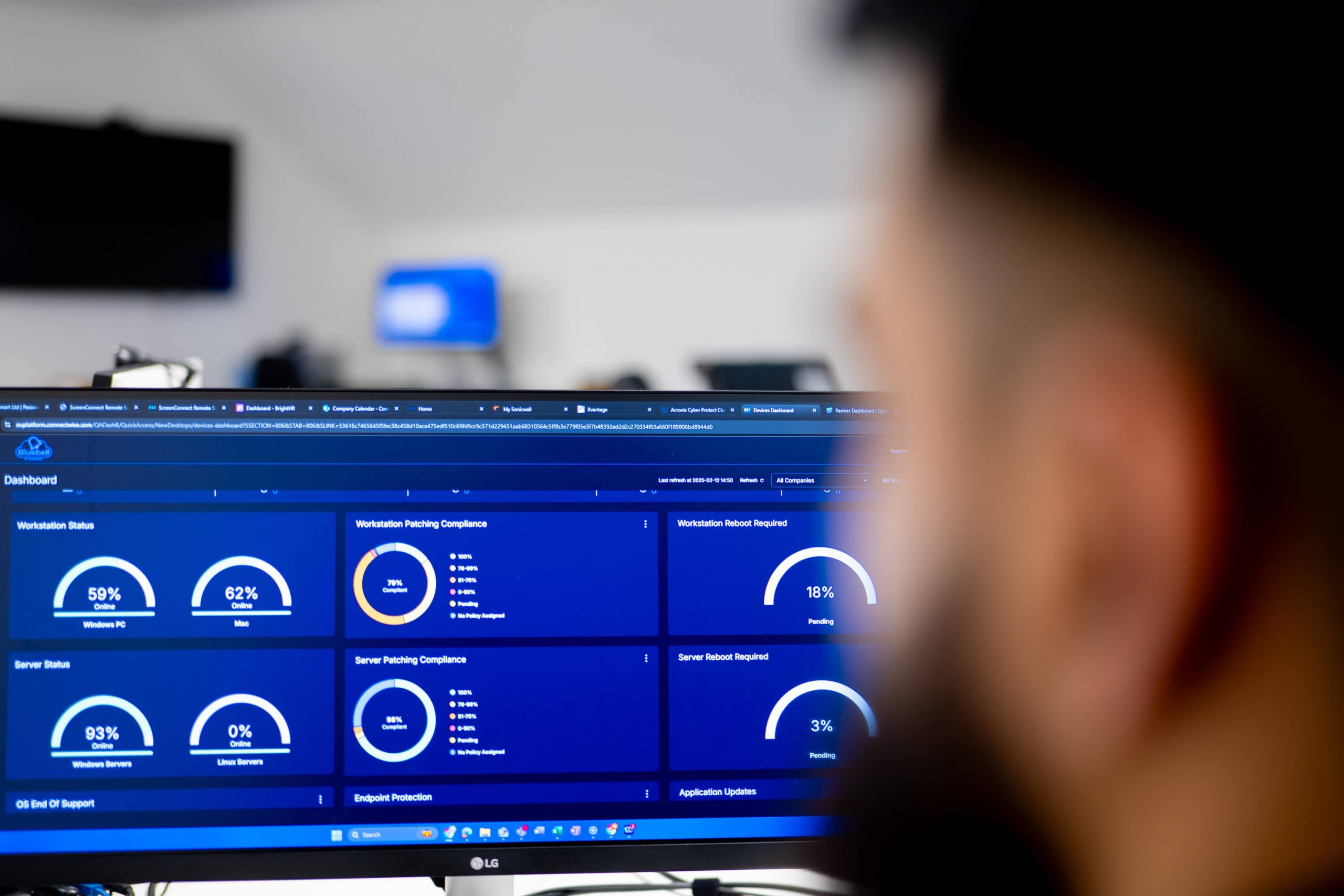
Monitoring is what separates a modern provider from a traditional break-fix company. Your servers, endpoints and network are watched around the clock from the provider’s operations centre, so most faults are picked up and cleared before anyone in your office notices.
Security is not an add-on to IT support any more, but it is the core of it. A full package covers:
Two of those controls are worth pushing your provider on, because most UK businesses do not have them. Only 34% have a policy to apply software security updates within 14 days, and only 47% use any form of two-factor authentication, according to the Cyber Security Breaches Survey 2025/2026.
Patching and MFA are the least glamorous items on the list and the two that close the most doors. Phishing remains the most common attack by a distance, experienced by 38% of businesses in the same survey.
If you are working towards certification, your provider should be able to take you through it. Our comparison of Cyber Essentials and Cyber Essentials Plus explains what each one asks for.
A full package includes automated, off-site backup of your critical data and a disaster recovery plan that has been written down and tested, so you know how you would get trading again after an outage, a ransomware attack or a hardware failure.
Two things separate real cover from a tick in a box. First, restores. A backup nobody has ever restored is not a backup you can rely on, so ask how often test restores are run and what the last one showed. Second, the plan itself. Only 25% of UK businesses have a formal incident response plan, which means most of the businesses that get hit are improvising on the day.
Most SMEs now run on cloud platforms, so day-to-day administration of them is a growing part of support. That means Microsoft 365 accounts, mailboxes, Teams, SharePoint and licensing, Microsoft Azure where you use it, cloud backup, and keeping the rest of your SaaS estate configured and secure.
Your network is what everything else runs on, so support should cover the routers, switches, firewalls and Wi-Fi that keep people connected, whether they are in the office, at home or moving between sites. Network support also covers secure remote access for hybrid teams, connectivity monitoring, and firmware updates on the network kit itself, which is a commonly overlooked way in for attackers.
Hardware support covers the physical kit your business depends on, and server support covers the machines your applications and data sit on. A good provider handles the whole lifecycle, from sourcing and configuring new equipment through to repairs and replacements, alongside managing the laptops, desktops and mobiles your team uses every day.
The best support relationships go past fixing things. Strategic support means regular reviews of your IT against where the business is heading, budget planning, and guidance on projects like cloud migrations, office moves or security improvements. This is usually delivered as scheduled reviews rather than ad-hoc conversations, and it is where IT consultancy sits alongside day-to-day support.
Providers structure their teams in tiers, and knowing which tier handles what tells you how quickly your issue will move:
| Factors | Break-fix | Managed IT support |
| Cost model | Pay per incident or per hour | Fixed monthly price per user |
| Approach | Reactive, fixes problems after they happen | Proactive, prevents problems and fixes them fast |
| Monitoring | Usually none | 24/7 across your infrastructure |
| Security | Ad-hoc, often excluded | Managed antivirus, web protection, patching, MFA |
| Planning | None | Scheduled reviews and strategic guidance |
| Billing | Unpredictable | One fixed fee, no surprise invoices |
UK providers almost always price per user per month on a fixed fee, so the headline number depends far more on scope than on your size. Six things move the price:
You probably need business IT support if more than one of these sounds familiar:
If your current arrangement is a provider you have stopped trusting rather than no provider at all, there are signs to change IT service providers.
Bluebell IT Solutions has provided managed IT support to businesses across Northampton, Milton Keynes, Bedfordshire, Buckinghamshire, Hertfordshire and the wider Northamptonshire region for more than a decade, working with teams of five to 250 users.
Our packages include unlimited remote and on-site support, 24/7 monitoring, managed antivirus and web protection, Microsoft 365 and Azure administration, cloud backup, and a named team who know your infrastructure rather than a rota of strangers.
We are a Microsoft Partner, we support businesses working towards Cyber Essentials and Cyber Essentials Plus, and we work alongside in-house IT teams in a co-managed capacity where that fits better.
If you are not sure what your business needs, or whether you are getting what you pay for now, send us your current contract and we will tell you what is missing from it.
Call us at 01908 044202 or request a quote to arrange a free IT support review.
The four main models are break-fix, where you pay per incident; managed IT support, a fixed monthly fee for proactive all-inclusive cover; co-managed IT, where an external provider works alongside your internal IT team; and project-based consultancy for one-off work such as migrations or security improvements.
IT support is the day-to-day care of your systems, fixing problems and keeping things running. Managed IT services are the broader model that wraps support, monitoring, security, backup and strategic planning into one fixed-price relationship. Managed IT services include IT support and go further.
For most SMEs, yes. A support package usually costs less than a single day of unplanned downtime or the recovery from one security incident, and it gives a small team access to security, cloud and infrastructure specialists they could not justify hiring individually.
In a full managed package, yes. Managed antivirus, web protection, email filtering, patching and MFA enforcement should all be included as standard. Deeper work such as security audits, Cyber Essentials certification and incident response may be delivered as separate projects, so check where the line sits in your proposal.
Yes. This is called co-managed IT. The provider supplies extra capacity across first, second and third line support, plus specialist expertise your internal team does not have, while your IT manager keeps ownership of strategy and internal systems.
Onboarding usually takes a few weeks and should not interrupt your day-to-day IT. A good provider audits your current systems, licences and security, builds the support plan, then handles the handover from your existing provider directly so you are not caught in the middle.
© 2026 Bluebell IT Solutions - All rights reserved
SEO and Website Design by Loop Digital